Several ways to build a container image
Using Docker to build container images in your CI pipelines ? Alternative solutions exist, let’s explore some of them.
Quick overview
The following illustrates the usage of each of these tools in GitLab CI, it also details the usage of Docker as a reference.
build image with Docker:
  stage: build
  variables:
    TAG: docker
  image: docker:27.3-cli
  services:
    - docker:27.3-dind
  before_script:
    - docker login -u "gitlab-ci-token" -p $CI_JOB_TOKEN $CI_REGISTRY
  script:
    - docker buildx create --use
    - docker buildx build -t $CI_REGISTRY_IMAGE:$TAG . --push
details
- before_script is used to log in to the GitLab registry
- script defines 2 commands:
- creation of a builder
- usage of this builder to create and to push the image
Example
The example above is based on a sample application in GitLab. Each code change pushed to the repository triggers the CI which builds 4 images:
- registry.gitlab.com/lucj/shapes:docker
- registry.gitlab.com/lucj/shapes:kaniko
- registry.gitlab.com/lucj/shapes:buildah
- registry.gitlab.com/lucj/shapes:podman
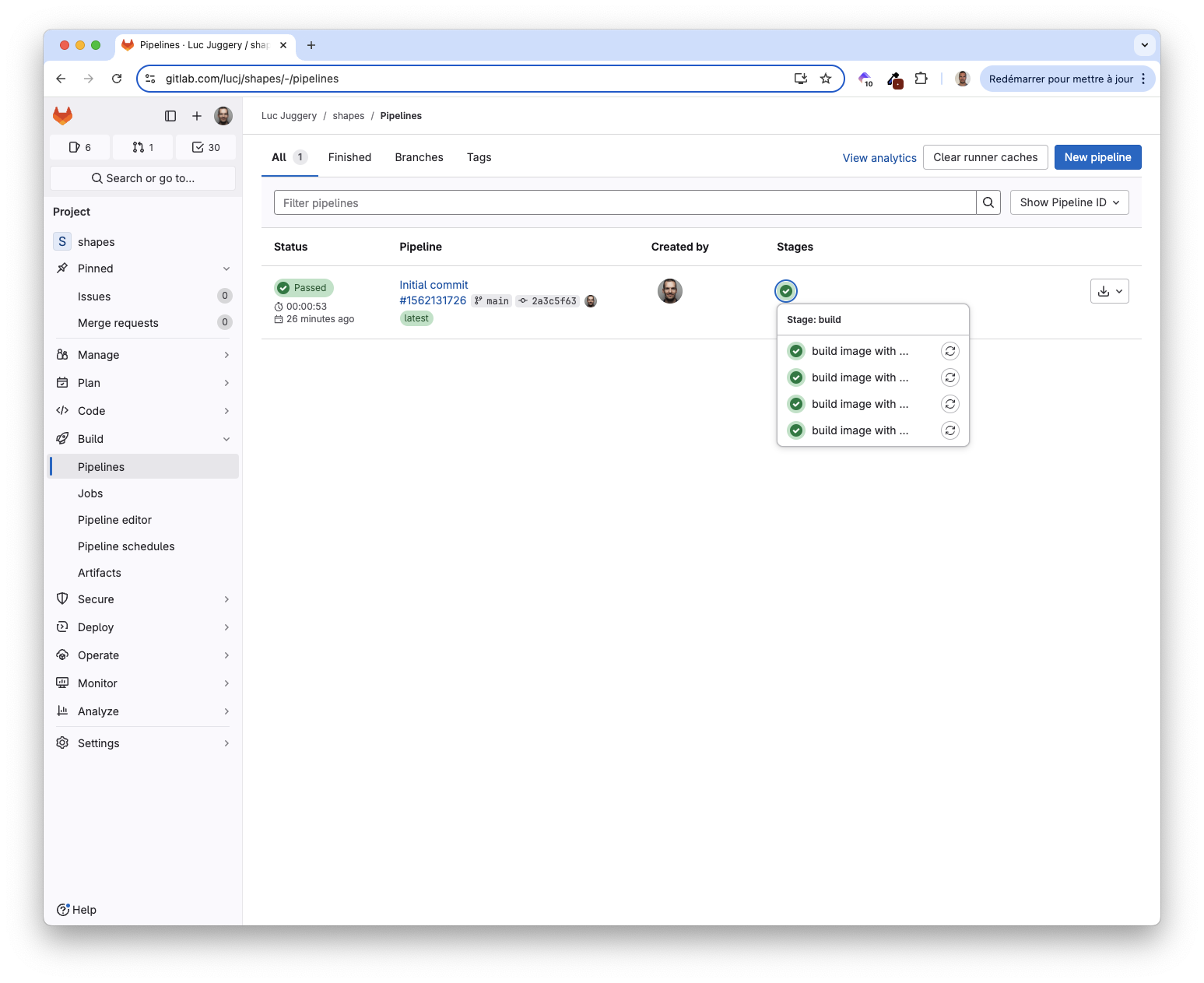
Next it pushes the images to the GitLab registry:
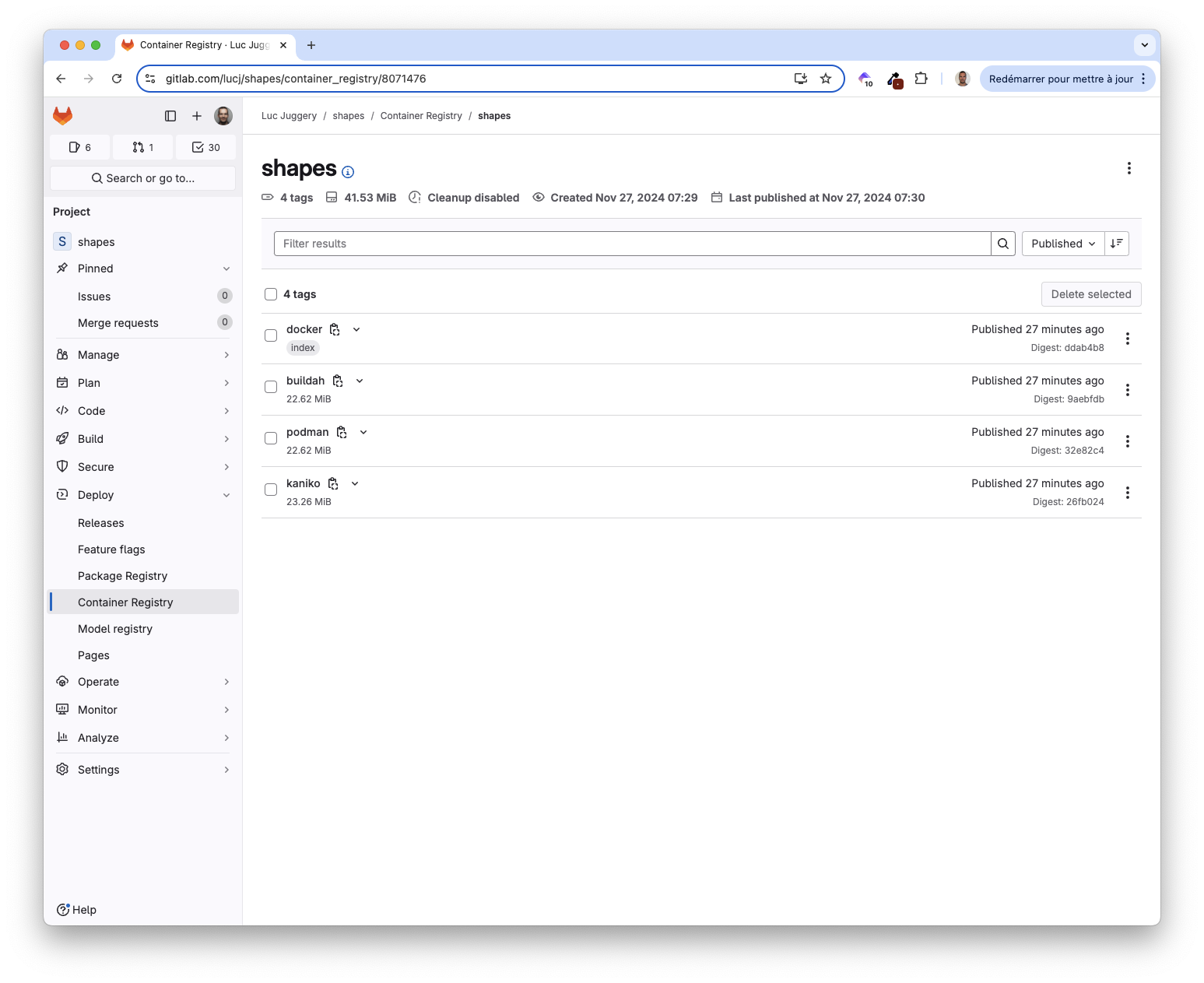
These images can be run using Docker, Podman or any other OCI compatible container runtime.
Because these images were built for amd64, they will not work on arm64 (Apple Silicon)